Find internal links while you work on a draft
I built MyLinks to help me find relevant pages on a client’s site without repeating the same searches for every article.
It collects the pages on a site and suggests places to link to them from a draft. This helps me point a reader towards a related guide or product explanation while keeping control over which links belong in the article.
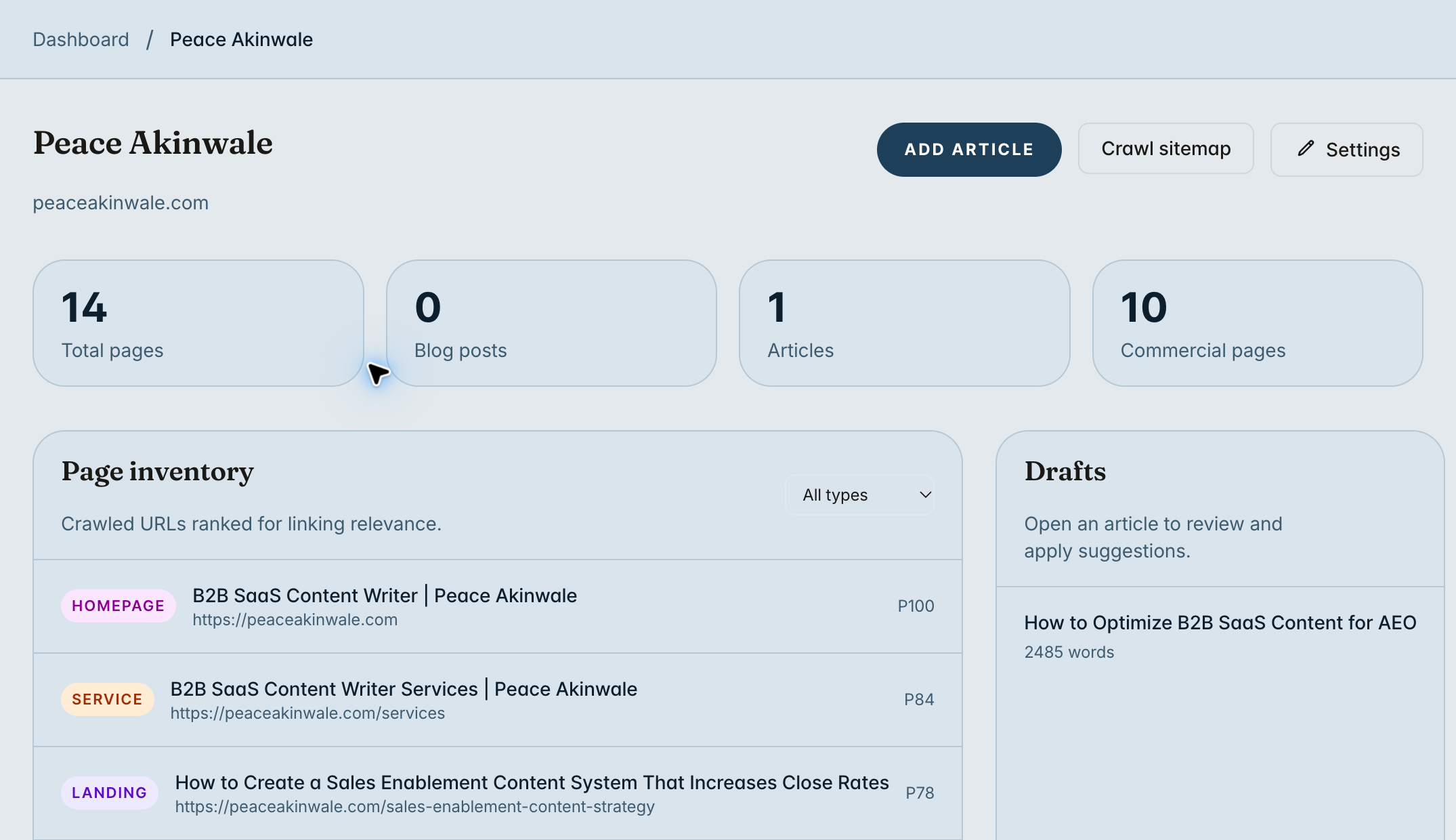
Add the site
Create a project for a domain and crawl its sitemap. MyLinks gathers page information to build the inventory used for suggestions.
Add the draft
Paste an article or import a Google Doc. You can also add destination URLs the client has specifically asked you to include.
Review the suggestions
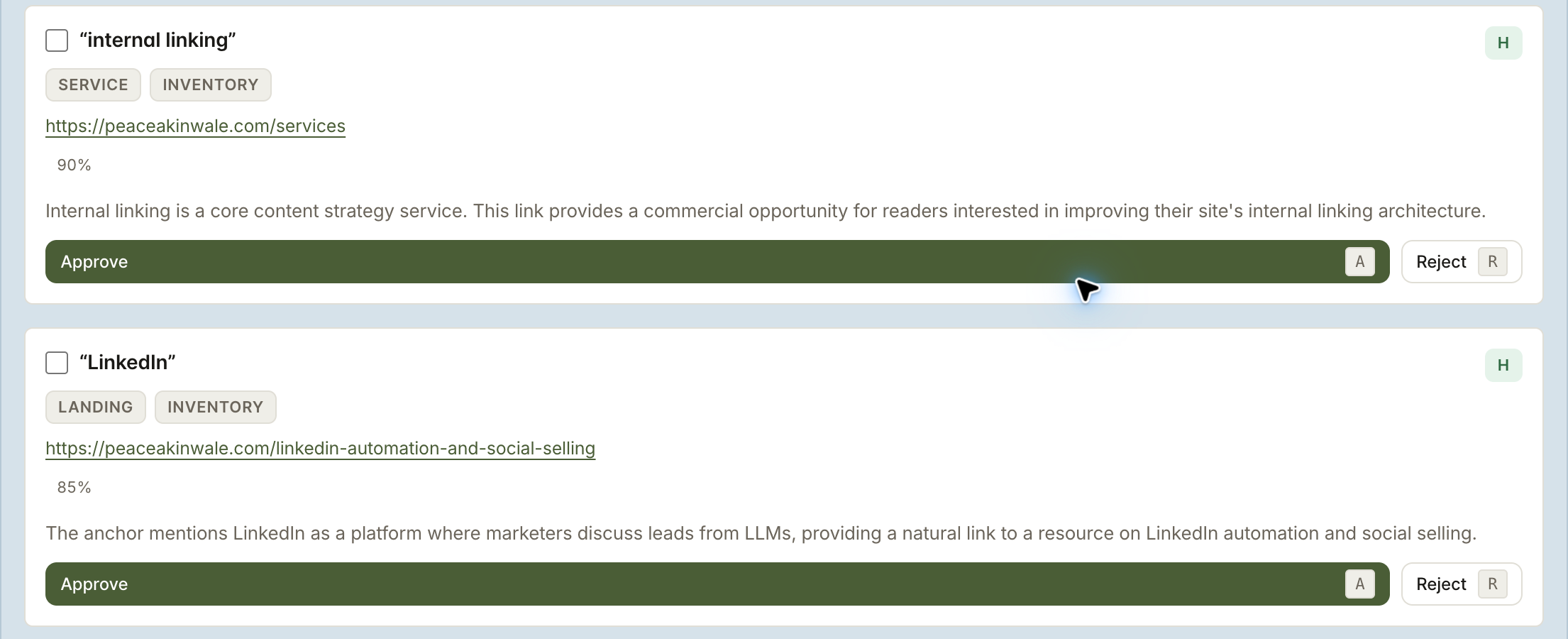
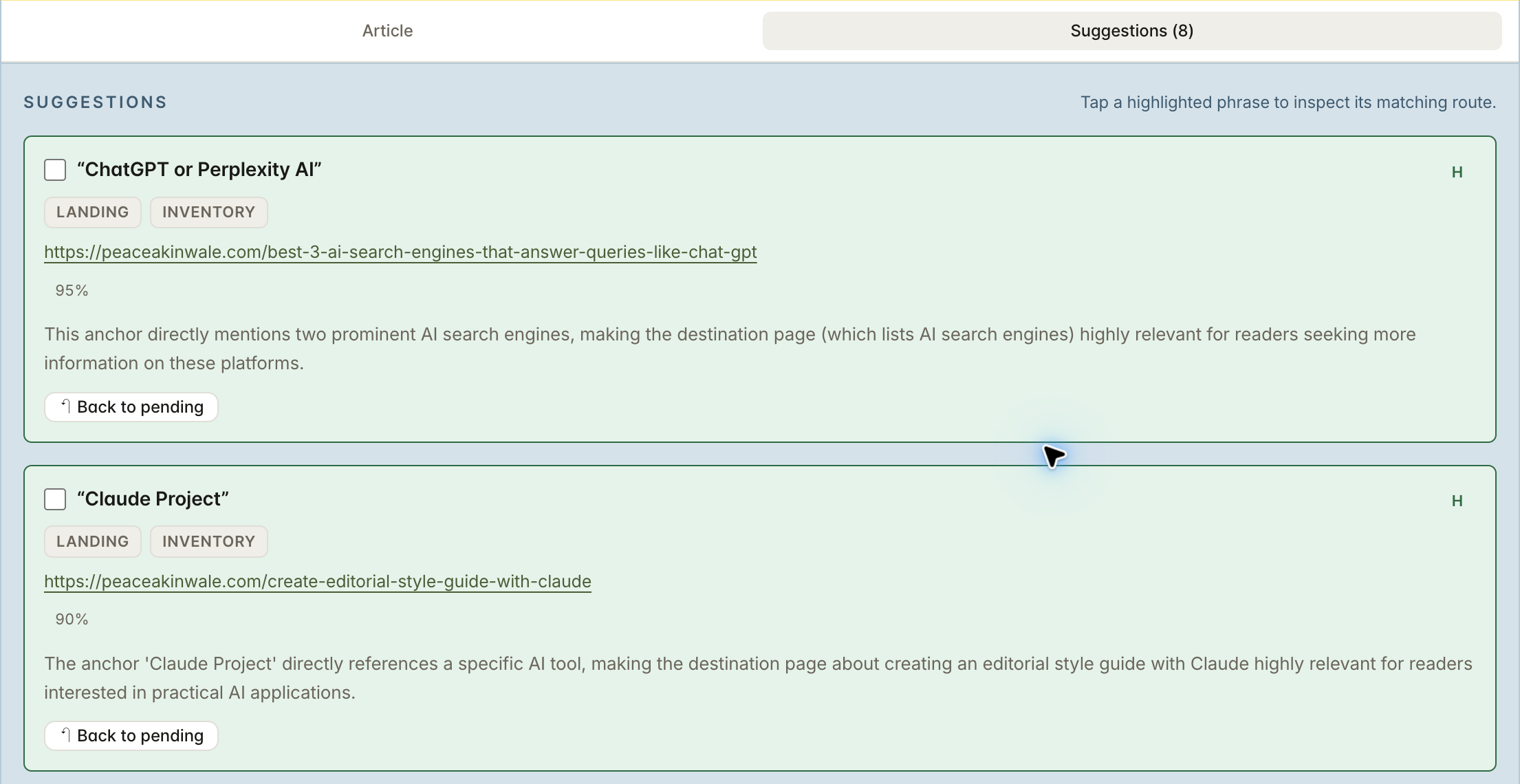
Check the proposed anchor text, destination and explanation. A link should help someone follow the point you’re making or take a useful next step. Keep those and reject the rest.
Use the approved version
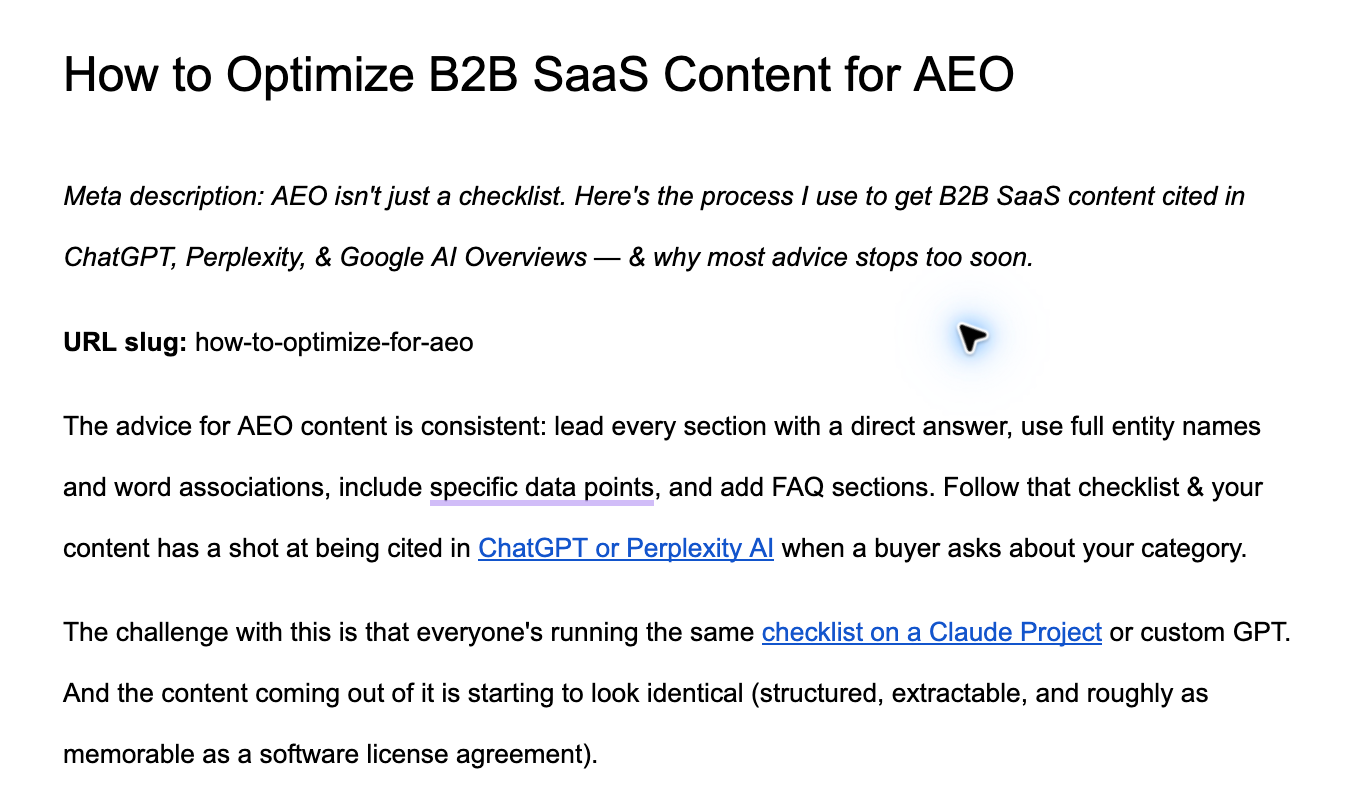
Copy the linked HTML, export a Word document, or apply approved links to the connected Google Doc.
Why I built it
Internal linking was a repeated research task in my writing process. I’d look through a client’s site, find relevant pages, then do much of the same work for the next draft.
MyLinks keeps that inventory available and brings possible destinations into the article I’m editing. I still decide whether each link belongs in the sentence and helps the reader.