Building a platform around teaching and learning
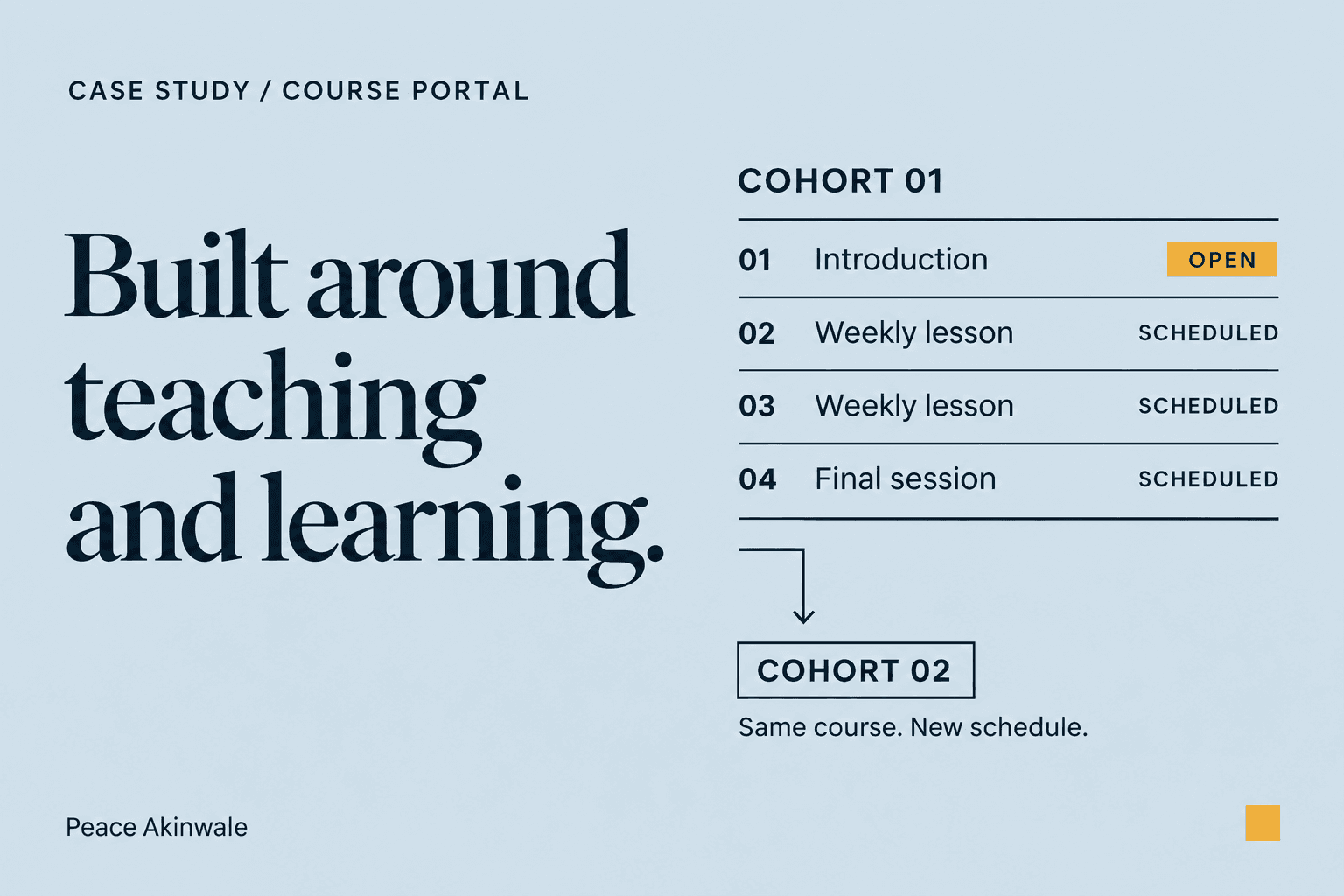
I built a learning platform where students can follow their weekly lessons and find the resources for each session. The instructor can update the course content without needing a developer for routine changes.
The platform needed to support changes while the course was running. If a session needed a fuller explanation or an extra resource, the instructor had to be able to add it without changing when students could access the lessons.
I separated the controls for updating course content from those for student access. That way, the instructor can revise a lesson without changing each week’s release date. Students only open the content when it becomes available.
Why I built it this way
The instructor wanted students to see the entire syllabus, with each week’s course content available from its scheduled release date. That gives students an overview of the program while keeping access aligned with the teaching schedule.
Each week has a page where students can open the session content and watch its recording. The instructor can also attach supporting resources to the relevant session, so students can find the extra context when they return to the lesson.
For example, if the instructor mentions a resource during class, they can add its link to that session’s resource page. Students can open it after class without needing to send the instructor a Slack message or an email to ask for the link.
Give the instructor control over course updates
The instructor manages lesson content separately from student access. They can revise a session page while keeping its existing release date and the same group of enrolled students.
For example, a question during a session might reveal that students need another explanation. The instructor can add a resource to that lesson afterward, and students can return to the week’s page to find it. This also works for lessons from earlier weeks, so useful additions don’t have to wait for the next cohort.
The portal keeps earlier versions of session pages. If the instructor wants to undo an update, they can review an older version and restore it through the content management system (CMS). They don’t need to ask me, the developer, to recover the previous page or search their files for an older copy.
These are updates an instructor may need to make while the course is running. I wanted them to handle that work directly, while the application continued to control when students could open each week.
Reuse the course for another group
When they prepare for a new cohort, they can copy an existing course and choose the new start date. The portal copies the course content and calculates the weekly release dates, rather than requiring the instructor to adjust each date manually.
The copy process also includes the files used in the previous lessons. If a file cannot be copied, the portal identifies it so the instructor knows what needs checking before students join the new course.
That gives the instructor an existing course to build on, with a separate schedule for the new group. They can then revise the content for that cohort instead of recreating the course structure.
My role
I worked out how the platform should support the instructor’s teaching and the students’ learning experience. Then I directed the build around those needs.
I enjoyed it, and I’d love to do it for any other team who wants the flexibility that existing coaching platform tools probably don’t have yet.