LinkedIn Content Router
What it is
A content automation system that turns my raw ideas into briefs & (later,) LinkedIn posts & Twitter threads, while sticking to my style guides.
The problem it solves
I rarely have time to write LinkedIn posts because it's mentally tasking for me & I'm new to writing consistently on LinkedIn.
So on days when I do have a content marketing idea, I built the LinkedIn router to help me flesh out that idea & even produce publish-ready drafts.
Of course "publish-ready" drafts are never publish-ready. But it gets me something I can tweak to read better & reflect my thoughts more.
How it works
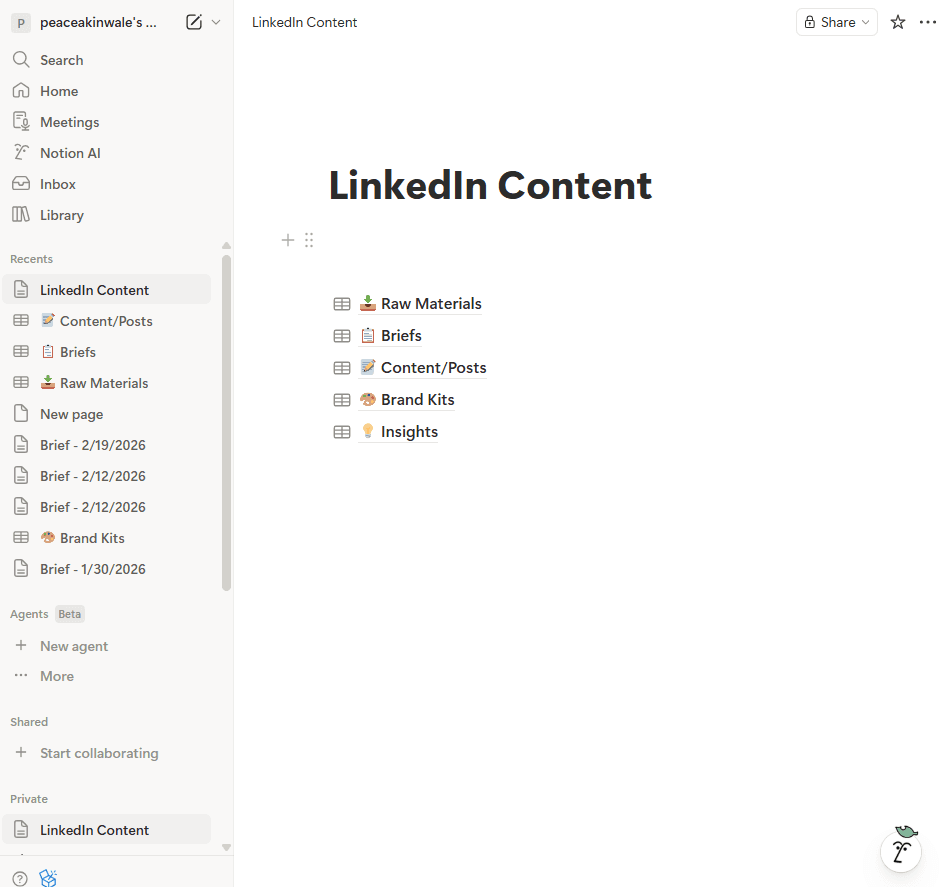
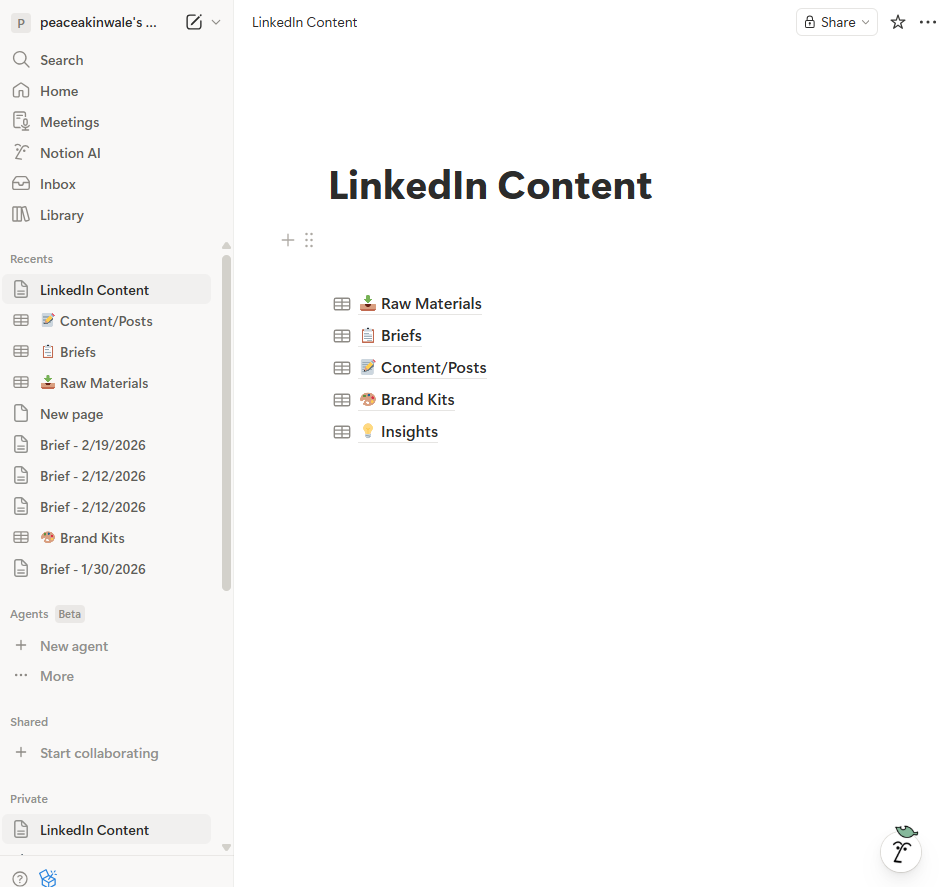
I used Notion database for this, & everything works through it. This is what the "dashboard" looks like:
I write my raw ideas in "Raw Materials", which can look something like this:
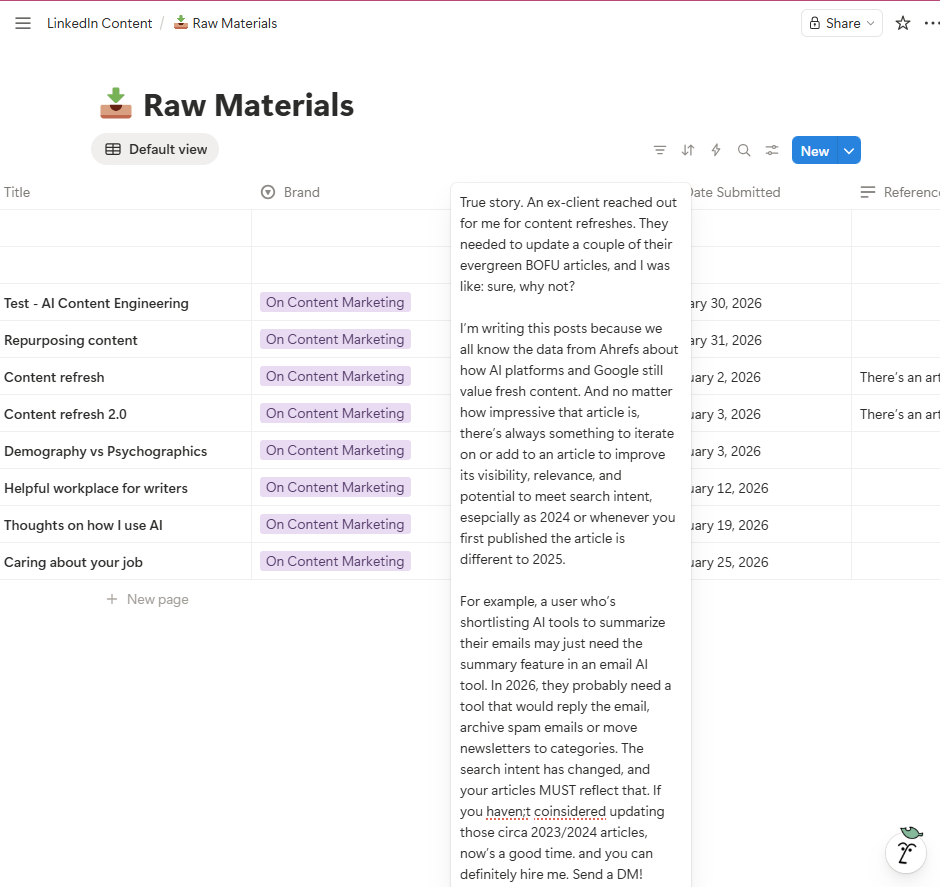
If you zoom in & read, you'll see that the idea is just that. It isn't structured; it's rough. But whenever I write like that, I can swipe to the status box & choose "Approve."
As you can see below, most of my fields show Brief Generated:
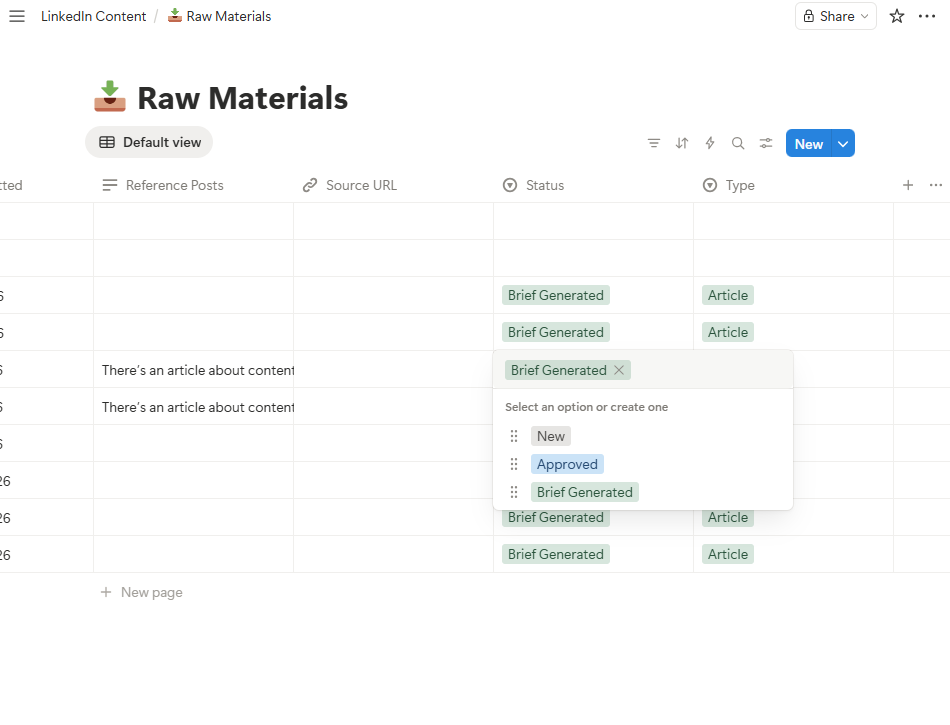
Note that I can add context to my rough ideas. If you're a CEO or are an agency writing LinkedIn content for a CEO, you can embed links to podcasts, a thought leadership piece they wrote, even a LinkedIn blog posts - anything to add more context/credibility so that whatever the Router provides is completely relevant & useful.
So when I mark it as "Approved," the system picks it up, sends it to Claude (I use Anthropic's API), & generates a strategic content brief that includes the core message, key points, & suggested structure. Here's an overview of the brief I got from my raw idea from earlier:
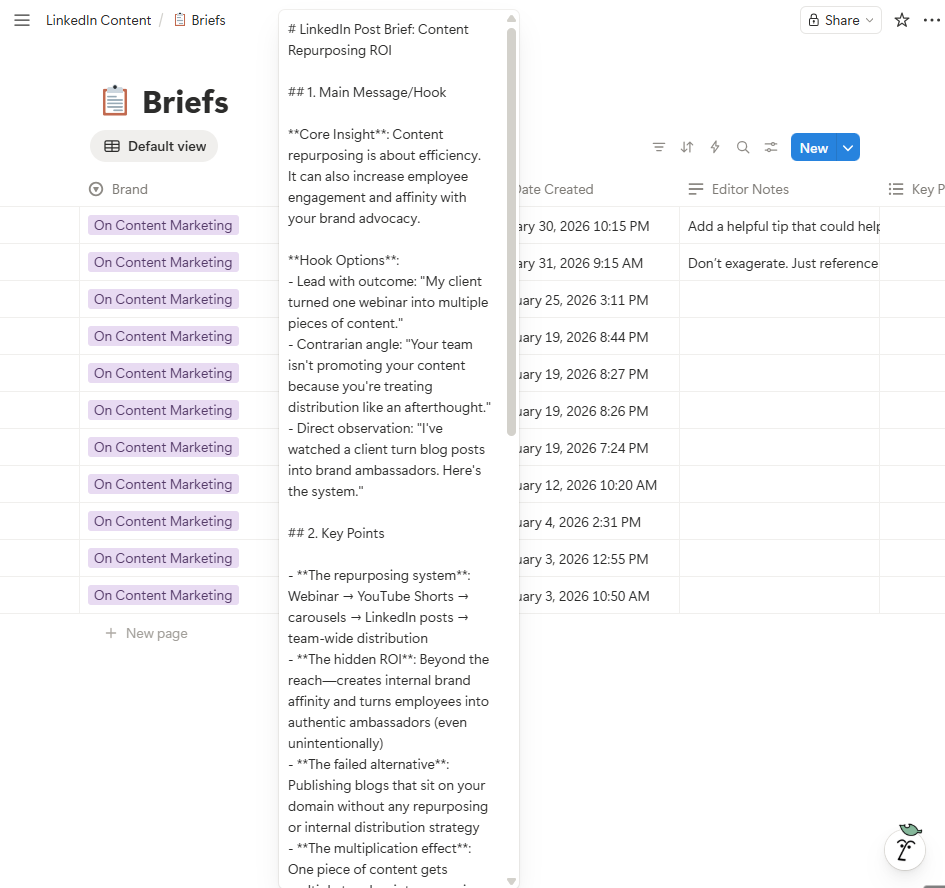
Then I review, tweak where necessary, & can even leave Editor Notes before I approve it. Just like I did for the raw material section.
This is the human in the loop part. & if there's an editor responsible for this part of the work, you can trigger a notification to them.
Anyways, the system generates the final LinkedIn post & Twitter thread, matched precisely to the brand voice using a Brand Kit I've added.
Bottomline: There are two places "the" human is in control here. & if done properly, with the right brand kit (LinkedIn style guide), you can get great things out of this router.
You can check it out on my GitHub. & ask me any questions via akindayopeaceakinwale@gmail.com or on LinkedIn.