How to Create an Editorial Style Guide With Claude

Every freelance writer has that moment: you submit what you thought was a polished draft, only to get it back marked up with notes like “This doesn’t sound like us” or “Our product doesn’t work that way. See (link to resource) for more.”
The problem isn’t that you can’t write or your diction isn’t smooth. It’s that you worked blind, without any context into what your draft should look like.
Most clients have internal style guides and product glossaries but they rarely share them with writers. Perhaps, like Amanda Cross wrote in her article, they assume we don’t care or simply run out of time to educate us about their product.
So you do what other writers do: piece together their writing style from a few select articles, absorb their major product pages, and hope your draft lands somewhere close to their expectations. Sometimes it does. Often it doesn’t.
Heads of content have the same issue: they manually check dozens of drafts and hope we’ve described the product accurately, within the right use cases and contexts.
What if we can automate this round of checks with AI? What if you can plug a thorough editorial style guide and feature glossary and prompt a Claude Project to review (and edit) your drafts for accuracy? I did it, and I want to show you how you can.

Step 1: Generate an Editorial Style Guide with Claude Code
Claude Code runs in your laptop’s terminal and can analyze entire websites, extract patterns, and generate structured documents based on what it finds. We’ll use it to crawl a website’s sitemap and distill their editorial approach into a reusable style guide.
To connect Claude Code, follow this official process from Anthropic, or read Tim Metz’s no-code guide to Claude Code. When you’ve installed Node.js, which is like a backend for Claude on your computer) and connected Claude to your terminal, follow this process:
The process:
Open your terminal and start Claude Code by typing “claude”.
Once it launches, write what you want to do. Use/tweak this prompt to get started:
“I want to create an editorial style guide based on the content on Animalz blog. I need the style guide to be exactly all a writer needs to know about how to create impressive content the way Animalz does. This should include information on diction, examples of banger phrases, sentences and paragraphs, what to avoid when they write, and what to embrace in their writing. It should also include insights on sentence structure, and the cherries on the top that make good, provocative and helpful content. Here’s an Animalz sitemap: https://www.animalz.co/sitemap.xml. Propose a plan on how to execute this, and we’ll go from there.”
Note: this is for my experiment. I don’t write for Animalz but I’d love to. If you know someone who works there, kindly refer me. Refer to my portfolio and about page too.

What happens next:
Claude Code will ask clarifying questions about scope, depth, and specific focus areas. Answer these questions based on your goals.
If you’re writing thought leadership pieces for this client, tell it to focus on long-form content patterns. If you’re doing product-led content, emphasize content that dug deep into how the product works and product pages that showed contexts/use cases.
You can also set a limit to the words you want Claude Code to generate, because it can provide as much as 5k words:

Claude Code will then request access to the sitemap. Type yes, and don’t ask again for (URL) to allow it to fetch and analyze the URLs.

Handling Common Issues
1. Pages showing errors?
Some URLs may return 404 errors or show restricted access:

There are chances that the pages no longer exist with that URL. For example, animalz.co/blog/writing-tips.

If a page is critical to understanding the client’s voice, press Esc on your keyboard to interrupt Claude Code, manually find the correct URL, and paste it so Claude can access it directly:
animalz.co/blog/content-writing-guide.

Then tell Claude to continue its analysis but should include the pasted URL in it.
2. Too many pages to analyze?
Claude Code might ask if it should limit the scope of research. For most style guides, you’ll get enough patterns (and insights) from 15-30 articles without overwhelming the system.
So stick to that. And after a few minutes of crawling and analysis, Claude Code will generate a markdown file and save it directly to your computer (you must have granted access).

What You’ll Get from Claude/Your Terminal
Here’s what the generated style guide looks like:
In it, you can see a section like:
Voice & Tone Section:
✓ Good:
“Letting AI fill your blank page is like sending a robot to the gym for you. It doesn’t work.”
✗ Avoid:
“AI cannot completely revolutionize your content creation process and solve all your problems.”
I love the “robot to the gym” analogy btw. Witty.
Refining the Output
Open the generated markdown file in your computer and review it:
-
Remove overly specific examples that only apply to the company’s niche.
-
Add caveats to branded phrases (like “barbell strategy” in the case of Animalz) that you shouldn’t use arbitrarily.
-
Clarify ambiguous instructions.
-
Expand sections where you need more detail for your specific writing style. For example, you can add more specific examples of good and bad sentences if you don’t like the examples AI extracted from the blog.
You can paste the content (or upload it) to Claude’s web interface to clean the markdown file. This helps you remove characters you don’t need (asterisks, hashtags, etc.) with a prompt like:
“Remove all special characters and formatting artifacts from this markdown content. Leave me with clean, readable plain text while preserving the structure.”
Step 2: Turn It Into an Active Editing Tool with Claude Projects
A style guide sitting in a folder doesn’t help you. You need to embed it in your workflow and use it to actively check your work before you submit them. Or check your freelancer’s work before you actively edit or publish them.
That workflow, in this case, can be Claude Projects. I prefer it to ChatGPT’s because Claude reads better than ChatGPT’s output. But you can also use the ChatGPT Project if you prefer.
Creating the Project Instructions
You can write custom instructions from scratch, but there’s a faster way: ask Claude to generate them for you.
Open a new Claude chat (the web interface, not Claude Code) and paste/tweak this prompt along with your style guide:
“I have attached an editorial style guide below. I want to embed it to a Claude Project and use the content of the style guide to review my drafts before I submit to my clients or hit publish on my blog.
Analyze this style guide and write the best prompt that I can use as instructions for this Claude project. I also want you to include a statement that Claude should break down a 3,000+ word article into reasonably doable sections such that if i am editing a whole article to fit the editorial standards of my client, it’ll still be able to work on it reliably.”
You can add more context*,* e.g. use web search when the article needs additional context, data, or supporting information.
Claude will generate a comprehensive set of project instructions tailored to your style guide and other contexts. These typically include:
-
How to analyze voice and tone.
-
Sentence structure patterns to check.
-
Common issues to flag.
-
Feedback format.
-
When to use the web vs. when to edit directly.
Here’s what mine looks like:

Optional: Add Advanced Instructions
You can tell Claude to follow more instructions like:
-
“Do not attempt to count the hops; it may result in inaccuracies.
-
Ensure all formatting (Headings, Bullet points) is followed meticulously. Be mindful of presenting subject and predicate dependencies in a clear, organized manner.”
Hats off to Steve Toth at SEOnotebook. I found these sets of instructions on their SnippetBrain.com GPT.
Bottom line: these help Claude provide more reliable feedback, especially on longer articles.
Step 3: Create a Product Glossary for Feature Accuracy
Editorial voice is one thing. Product accuracy is another.
If you’re writing for a SaaS company, accurately describing how the features work, their benefits, and use cases is non-negotiable. Get it wrong, and you risk yellow colors on your draft. Or at worst, confuse the end readers.
Claude Code can crawl product pages and documentation to extract product features, benefits, and use cases into a structured glossary you can reference while writing.
The Process
Start Claude Code again and use/tweak this prompt:
“Analyze the NectarHR sitemap at https://nectarhr.com/sitemap.xml and create a comprehensive product glossary. For each feature, include:
-
Feature name and description – What it is.
-
Key benefits – Why it matters.
-
Real use cases – Specific scenarios where it’s used.
-
How it works – Concrete examples with context.
-
When to mention it – so writers know when to naturally weave it into articles.
Pull information from:
-
Product pages in the sitemap.
-
Help center/support documentation.
-
How-to guides.
-
Any other relevant resources linked from the site.
Format the glossary so writers can quickly scan for the right feature based on article topic or user pain point.”
Again, Nectar isn’t my client, and I definitely won’t mind working with them. This illustration is for experiment purposes.
What Happens Next
Claude Code will structure the task, identify which pages contain product information, then systematically pull them.

And as you can see, it begins to pull from relevant, important URLs:

You can press Ctrl+O (or Cmd+O on Mac) to see Claude Code’s internal reasoning about the work it’s doing. This transparency helps you understand the extraction process and spot when you might need to change its course.
When Claude Code finishes, tell it to export the file as markdown.
How to use the Product Glossary
Add this glossary to your Claude Project (the same one with your editorial style guide). Now when you upload a draft for review, Claude can check if you:
-
Describe the features as you should,
-
Include relevant use cases per the contexts in your article,
-
Skip important context/background nuance readers need.
It basically catches your errors before your client does.
Step 4: Test Run Your Editorial System
Open your Claude Project and upload an article. Tell it to improve your article based on the editorial stykle guide and instructions in the project.
Claude will analyze the draft using the style guide and product glossary and provide:
-
Direct edits to sentences that need improvement,
-
Explanations into why certain changes improve alignment,
-
Fact checks for claims that need it, and
-
Whether the product is accurately described (as stated in the glossary).
Iterating on Your System
Your first few reviews will reveal gaps in your style guide or glossary. That’s normal. Update your knowledge base when Claude flags something it can’t evaluate or when you notice it missed specific nuances:
-
Open the relevant file (style guide or glossary),
-
Add the missing information/specs, and
-
Re-upload it to your Claude Project.
You can also write an instruction on the instructions tab to make the changes. The system gets smarter every time you add more context it must pay attention to.

Beyond Style Guides: Other Applications
Once you’ve built this workflow, you can adapt it for other content needs:
-
Competitor’s voice analysis: Crawl a competitor’s site to understand their positioning and differentiation – then ensure your client’s content reads differently. And better.
-
Content audit: Generate a style guide from your client’s best articles/pages, then use it to identify inconsistencies across their published work. This can be helpful for content refreshes.
-
Onboard new writers (for internal teams): Instead of sending a 40-page PDF, give new team members access to Claude pre-loaded with your editorial standards and product glossary. They can read the style guide and also check their articles.
-
To manage multiple clients: Create separate Claude Projects for each client, each with their unique voice and product glossary.
The Bigger Picture with the Editorial Style Guide
The real value here isn’t Claude’s ability to help you catch misalignment in writing style or fix the tone. What you’re building is a quality control system that helps you review content at scale with ease.
For freelancers, this means higher-quality deliverables, fewer revisions, and clients who trust you to meet editorial standards without much hand-holding.
For content leads, you get a scalable editing process that doesn’t require you to personally edit every detail in a draft. You can review more drafts, onboard writers faster, and maintain consistent writing quality as your team grows.
Related Articles
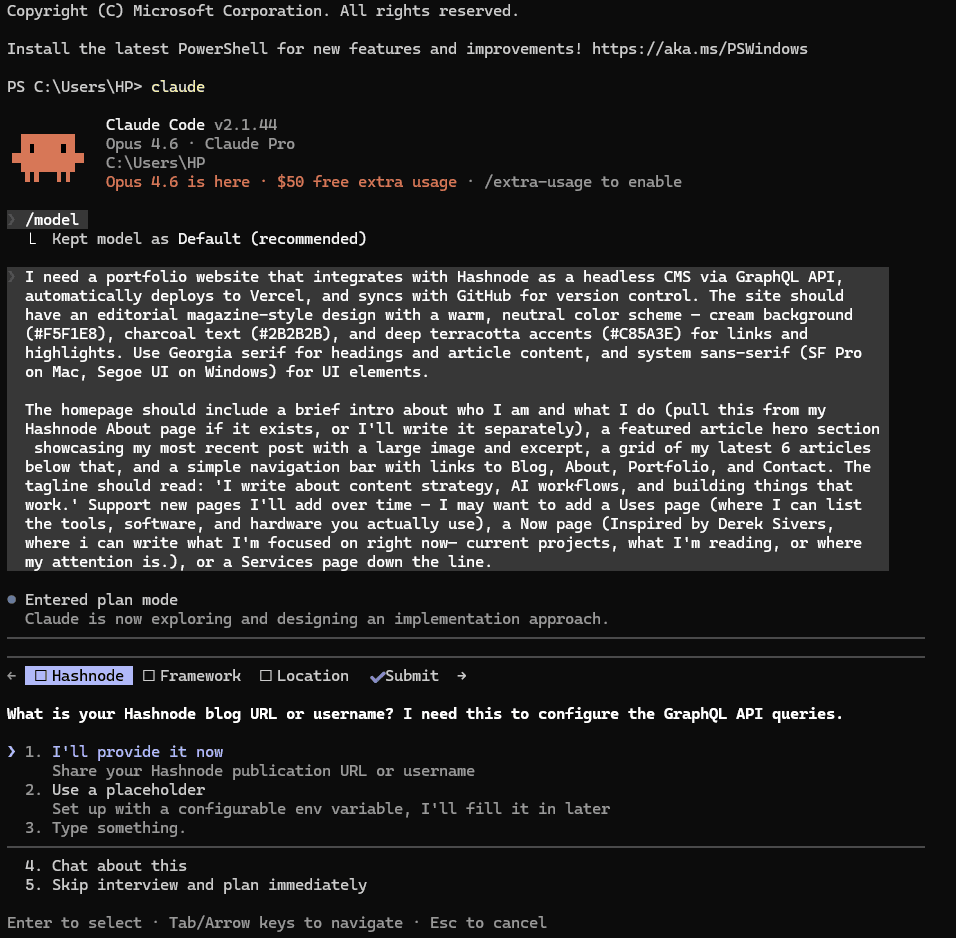
How I Built My Portfolio Website With Claude Code And How You Can Too
How a writer built a custom portfolio website using Claude Code, Hashnode as a headless CMS, and Vercel for hosting, from the first prompt to a live site.

How to Optimize B2B SaaS Content for AEO
Your buyers are already in ChatGPT, asking about your category. Here’s the AEO process I use to optimize B2B SaaS content for answer engines.

What I Learned Vibe-Coding My First App (& Shutting It Down)
I vibe-coded Garde, a recipe & DIY video-to-text app, in November 2025 & shut it down four months later. Here’s what building it taught me.
Comments
Leave a thought, question, or response. Your email stays private. If you use an email linked to Gravatar, your profile image may show automatically.
Loading comments...